
Personal portfolio and blog
My own site: case-study-style portfolio, technical blog, and CMS-backed marketing pages. Astro, TinaCMS, MDX, Tailwind CSS, Vercel.
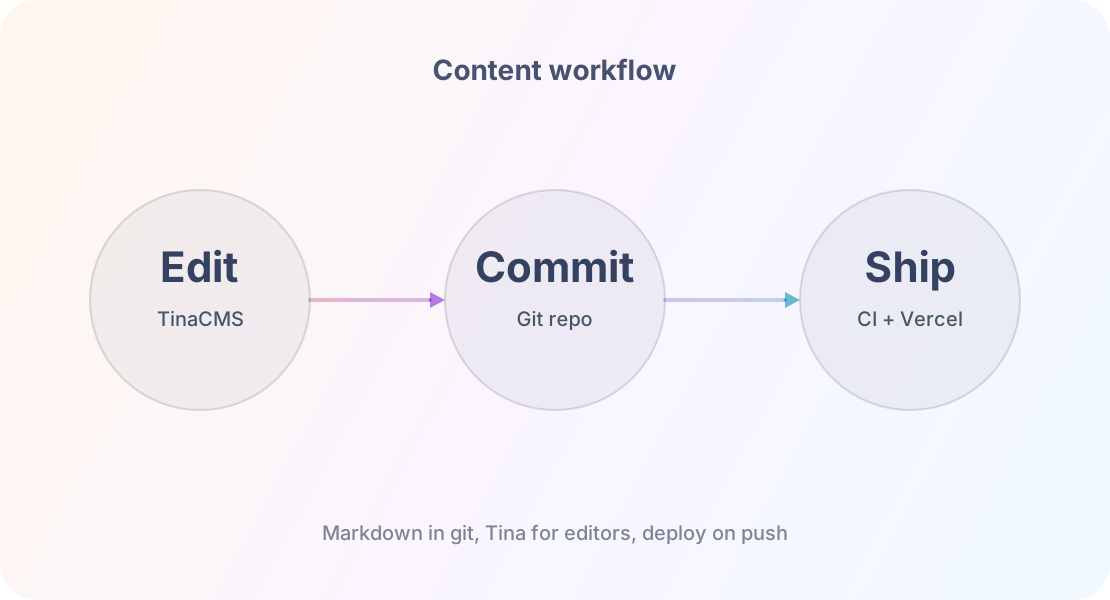
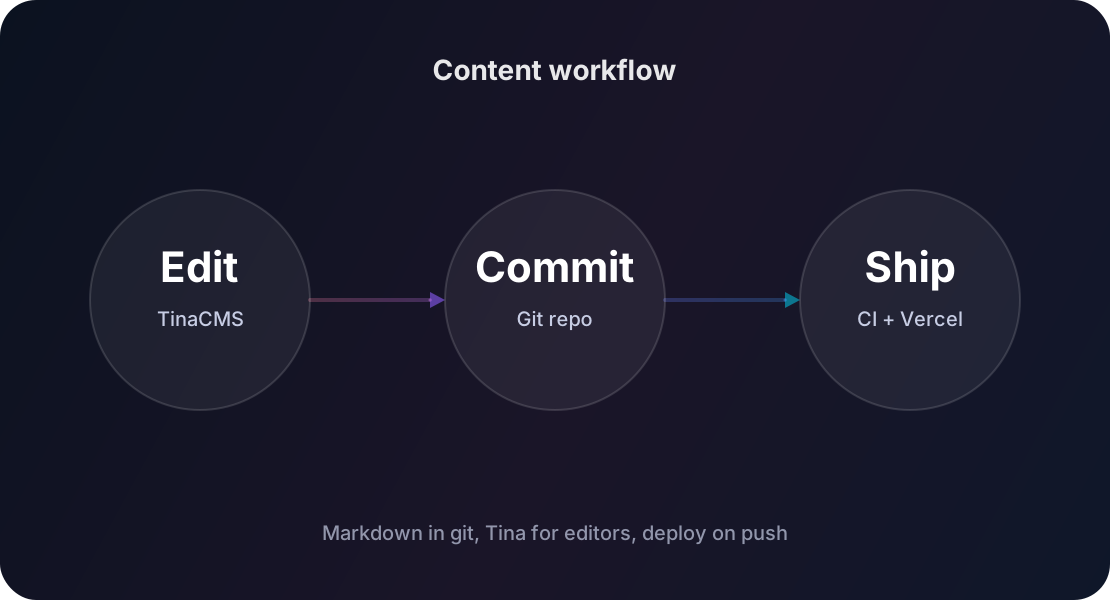
TinaCMS → Markdown in Git → Vercel CI → Live
Project details
#Context
This site is a solo project - I built it and maintain it on my own. I use it as a living playground for how I like to build: static-first, content in git, strong accessibility and performance, and UI that still feels crafted rather than generic. There is no separate client brief - the constraints are real-world (SEO, maintainability, time outside of client work) and the goal is to demonstrate how I think about product and the technical side together.
The design started from an off-the-shelf marketplace theme that I tailored to my needs: a custom colour palette, custom components added on top (animated SVG diagrams, interactive demos in blog posts, lightbox for image grids), and a reworked structure for the portfolio and blog sections. The theme was a starting point, not the final result.
#What I shipped
- Marketing and portfolio: homepage, contact, services-style section on the portfolio index, and case-study pages with carousels, timelines, and MDX-rich layouts.
- Blog: categories, tags, search, author pages, and pagination aligned with a deliberate content strategy - not a default blog template.
- Content layer: TinaCMS on top of Markdown and JSON in the repo, with typed content collections in Astro so pages stay predictable as data grows.
- Design system: Tailwind-based tokens, dark and light themes, shared layout patterns, and reusable MDX components (callouts, accordions, code blocks, image grids).
- Motion: scroll-driven and carousel animations implemented with performance in mind - intersection observers, scoped client scripts, no layout thrashing for the hero and portfolio sections.
- Quality bar: ESLint and Prettier wired into CI-style workflows, automated Lighthouse audits for key routes, and accessibility checks on interactive pieces such as the lightbox and dialogs.
- AI-assisted development: when I started this project (2024), AI in a developer workflow was effectively not a thing yet. The site grew slowly and steadily - in spare hours, sometimes with multi-month gaps when life and client work took priority. As AI tools matured, I added Claude Code and Cursor’s models to the workflow: code review, performance audits, refactoring, and content iteration. The key is knowing what to delegate and what to verify: AI handles tedious searches and boilerplate, I make the architectural decisions and review every change.
#Performance snapshot
I use Lighthouse as a quick performance-diagnostic tool, not a badge to display on the site. The block below runs an on-demand PageSpeed Insights check for the live site, so the numbers reflect the current public version instead of a stale screenshot.
Live Lighthouse metrics
On-demand PageSpeed Insights check for the home page. Results are cached for 30 min; hit Run again to force a fresh check.
Click Run audit to fetch a mobile report.
#Outcome
- Lighthouse scores consistently 90+ across all four categories on the live site (check the metrics above).
- Every case study fully shipped - with architecture diagrams, interactive components, and honestly written challenges.
- The site is a living project (2024 onward) - I use it as a real testing ground for new patterns, not a frozen portfolio template.
#Challenges
Meta-project: describing the site inside the site
A portfolio entry about the portfolio risks sounding cute rather than useful. I focused on decisions and trade-offs (static vs CMS-only editing, how case studies are structured, how animations are scoped) so the page still reads like a case study for a recruiter or lead, not a README pasted into MDX.
Keeping CMS and code in sync
When both Tina schema and Astro content.config define shape, it is easy for
them to drift. The Zod schemas act as a build-time validator - if content
doesn’t match the schema, the build fails and the error surfaces immediately.
I mirror important fields in Tina so mistakes show up early - one mental
model: files in src/content are canonical, Tina is the friendly editor on
top.
Animations without hurting Core Web Vitals
Scroll effects and carousels can easily block paint or jank on mid-tier phones. I default to CSS and small scripts, run work on the main thread only when the user has scrolled near the relevant section, and avoid heavy libraries for simple reveal animations.
#Lessons learned
- Owning the full stack - design, content, infra, and code - sharpened how I prioritise. Shipping a smaller set of polished patterns beat a long checklist of half-finished features.
- Using my own stack (Tina, MDX) on real posts and case studies surfaced UX issues I would not have seen in a demo repo.
- Treating the site as a long-running product (2024 onward) forced me to document conventions and regularly update dependencies instead of one-off hacks.
Let's work together
I'm a senior frontend engineer focused on building fast, accessible web experiences with clean, type-safe TypeScript. I work mainly with React and Next.js, and I care about SSR/SSG, Core Web Vitals, and maintainable component systems. I value clear communication and shipping practical solutions - if that sounds like what you need, let's talk.
Get in touch →